Best USB Microscope for Coin Collecting UK: Buyer's Guide
The best digital microscope depends on the task, not the largest advertised magnification. For coins and surface inspection, prioritise a stable stand, controlled lighting and clear image capture. For PCB soldering, choose enough working distance and usually stereo depth. Before buying, verify native resolution, connection type, UVC or app support, UK returns and the seller’s tested compatibility with your device.
Best USB Microscope for Coin Collecting in the UK: A Buyer's Guide
A UK buyer's guide to USB coin microscopes: magnification reality, 8-LED lighting, stands and PC/Mac/Android setup, and where the Jiusion fits.
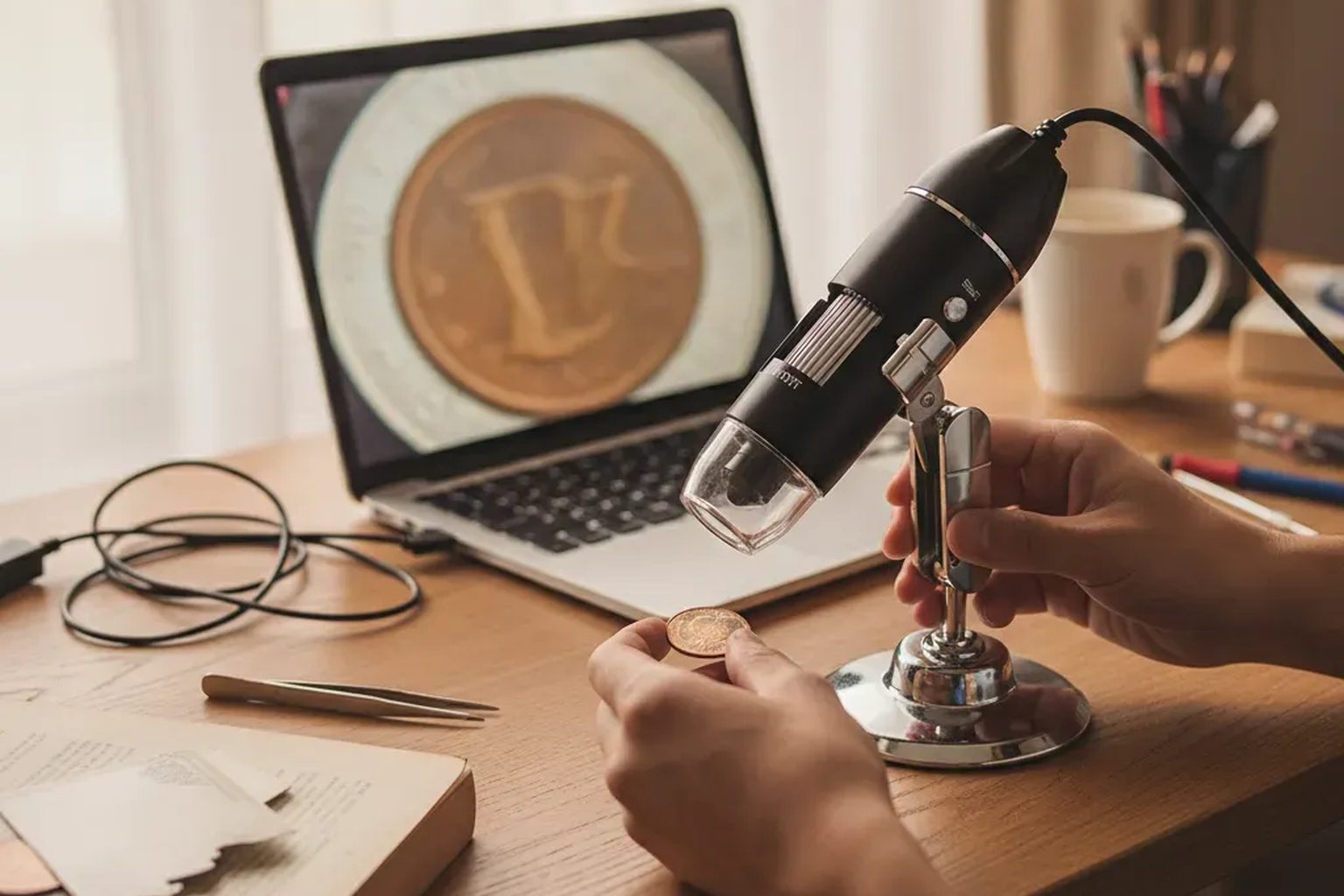
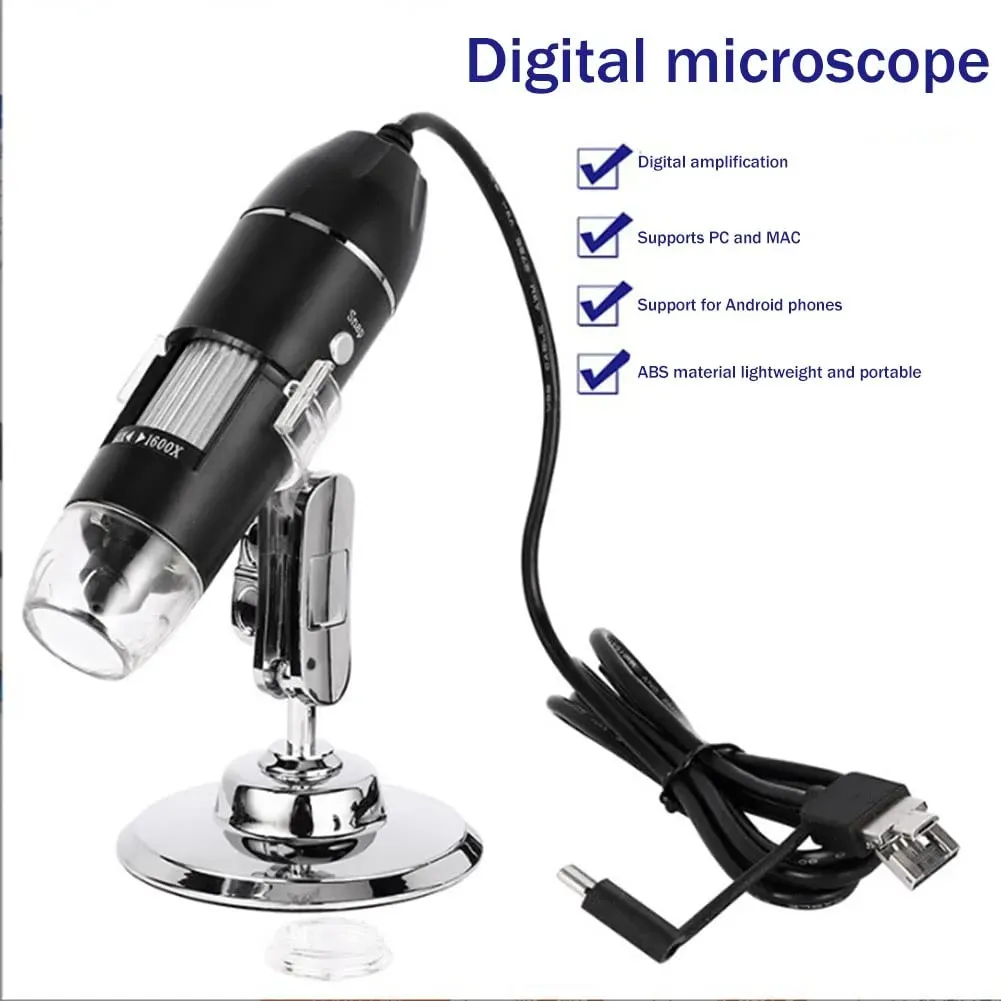
The best USB microscope for coin collecting in the UK is one with bright, adjustable lighting, a steady stand and honest magnification. For most collectors on a budget, the Jiusion 1600X USB Digital Microscope (£34.99 inc VAT) covers dates, mint marks and surface wear on Windows, Mac and OTG Android.
What makes a good USB microscope for coins?
Coin work is close, detailed inspection: reading a worn date, checking a mint mark, spotting die cracks or doubling, and judging the tiny surface marks that separate one grade from the next. A good tool for this does not need to be expensive, but it does need four things — sensible magnification, even lighting, a stable stand and a connection that matches your computer or phone. Here is what to weigh up before you buy.
Magnification: read the numbers honestly
Budget USB scopes advertise big figures. The Jiusion 1600X USB microscope uses digital magnification up to 1600X. The view depends on your screen size and viewing software. A larger monitor “magnifies” more than a laptop simply because the image is drawn bigger. For coins, usable in-focus magnification matters far more than the headline figure. In practice, low-to-mid magnification with sharp focus is what reveals a date or a repunched mark; cranking to the maximum usually just enlarges a soft image.
Lighting: why 8 LEDs help on coins
Metal is reflective, so lighting is often the difference between a flat, glary picture and one where the relief stands out. The Jiusion has 8 adjustable LEDs arranged around the lens, and you can dial the brightness to suit the room. For frosted proofs or bright fields, lower the light to cut glare; for dark, toned copper, raise it to lift detail out of the surface. Even, controllable illumination is exactly what you want when reading a mint mark, which The Royal Mint’s beginners’ guide to coin collecting notes typically sits near the date or beneath the monarch’s portrait on the coins that carry one.
A stand you can actually use
Hand-holding a microscope over a coin is frustrating; the smallest wobble throws off focus. The Jiusion includes an adjustable metal stand, which steadies the camera so you can set focus with the manual wheel and leave both hands free to reposition the coin. If you plan to photograph your collection or compare coins side by side, a stand is not a luxury — it is the feature that makes the whole exercise workable.
Connections and operating systems
Check compatibility before you buy. The Jiusion 1600X USB microscope uses USB-A, with Type-C and Micro USB adapters in the box for OTG Android. It works with Windows, Mac and OTG Android phones. It is USB powered, so there are no batteries to charge. Two honest caveats apply. First, Android phones must support USB host mode (OTG) for the camera to be recognised — a requirement documented in the official Android USB host guidance — so check your handset with a free OTG checker app before ordering. iPhone and iPad are not supported.
Where the Jiusion fits for UK numismatics
At £34.99 inc VAT (marketplace prices and delivery can change), the Jiusion 1600X USB Digital Microscope sits firmly in the budget, entry-level tier — and for most UK collectors that is the right place to start. It is built for inspection: reading dates and mint marks, checking edge lettering, and examining surface marks or possible error varieties. It is a close-up viewing tool, not a diagnostic instrument, and it is not intended for any medical or clinical use.
If you would rather have a model with a built-in screen than one tethered to a computer, that is a different category — our guide to a coin microscope with a screen for sale in the UK covers those trade-offs. For a wider shortlist and how to judge specifications, see our best digital microscope for coin collecting guide. When you are ready to check the current price, warranty and delivery, the Jiusion USB Digital Microscope product page has the details, including a 12-month limited UK warranty and 30-day returns alongside your statutory rights.
A simple coin-inspection workflow
- Set the coin on a neutral, matte surface beneath the stand.
- Start at lower magnification, then raise it only as far as focus stays crisp.
- Adjust the 8 LEDs — less light for shiny fields, more for dark toning.
- Turn the manual focus wheel in small movements; tiny adjustments make a big difference.
- Capture a photo for your records so you can compare or grade later.
This is also the routine for coin roll hunting: work through a roll, use the scope to confirm dates, varieties or wear, and photograph anything worth a second look. For grading and valuation context, The Royal Mint’s coin-collecting resources are a sensible, authoritative starting point.
Frequently asked questions
Is 1600X real magnification?
The Jiusion 1600X USB microscope uses digital magnification up to 1600X, and the view depends on your screen and software. For coins, sharp focus at a modest setting is more useful than the highest figure.
Will it work with my iPhone or iPad?
No. This microscope is for Windows, Mac and OTG Android phones. iPhone and iPad are not supported. On Android, the phone must support USB host mode (OTG), so check that first.
Does it work on Windows and Mac?
Yes. The Jiusion works with Windows and Mac, and it is USB powered, so no batteries are needed. This makes a USB coin microscope for Windows and Mac a straightforward desktop setup.
Can I use it to grade coins?
It is a helpful aid for spotting wear, marks and varieties, but formal grading is a judgement call. Use it to gather evidence, then compare against recognised standards rather than relying on the device alone.
Is it suitable for anything medical?
No. It is for close-up viewing and inspection only — not medical, dermatological or diagnostic use.